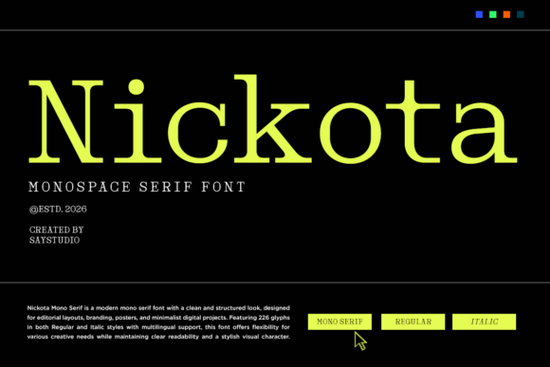
If you’ve ever wanted to blend the nostalgic clack of a typewriter with clean, modern design, Nickota Font offers a thoughtful balance. It’s a monospaced serif typeface that nods to retro coding terminals and developer workflows but with enough polish to feel at home in contemporary branding or editorial layouts. Whether you’re designing a tech startup logo, a sci-fi poster, or developer-themed merchandise, Nickota brings structure without sacrificing personality.
What makes Nickota stand out is its rhythm. Like classic typewriters and early computer terminals, every character occupies the same horizontal space a trait known as monospacing. This gives lines of text a uniform, grid-like appearance that feels instantly familiar to anyone who’s spent time in a code editor. But unlike many monospaced fonts that lean purely utilitarian, Nickota adds subtle serif details that soften its edges and add visual warmth.
Who is Nickota Font best suited for?
Nickota isn’t just for developers it’s for anyone who wants to evoke precision, logic, or retro-futurism in their visuals. Here’s how different creators might use it:
- Print-on-demand sellers can use it for mugs, T-shirts, or posters featuring programming quotes or “hacker” aesthetics.
- Small tech startups may incorporate it into app interfaces, landing pages, or pitch decks to signal technical credibility with a human touch.
- Graphic designers working on editorial layouts like tech magazines or newsletters can pair it with sans-serif fonts for contrast and hierarchy.
- Crafters and hobbyists might use it in digital scrapbooking, retro-themed invitations, or DIY signage with a vintage-computer vibe.
If you're drawn to structured typography but still want elegance, you might also enjoy exploring other options like those in the beautiful elegant serif fonts collection. For broader choices, the unlimited mega bundle of serif fonts includes hundreds of versatile typefaces beyond just coding-inspired styles.
How does Nickota compare to other monospaced fonts?
Many monospaced fonts especially free ones are designed strictly for function: legibility in terminal windows or code editors. Nickota, however, was crafted with design intent. Its serifs are refined but not ornate, and its letterforms maintain readability even at smaller sizes. The x-height is generous, which helps it hold up well in both headlines and short blocks of body copy.
Unlike slab serifs that feel heavy or mechanical, Nickota’s strokes taper slightly, giving it a more organic rhythm. This makes it surprisingly adaptable you could use it for a futuristic dashboard UI one day and a minimalist poetry chapbook the next.
For those curious about its origins or licensing, you can learn more about Nickota Font directly on Creative Fabrica. The platform also hosts related designs, including the dedicated Nickota font serif fonts page if you’d like to see mockups or alternate weights.
Tips for pairing Nickota with other fonts
Because Nickota has such a distinct personality, pairing it wisely matters. Here are a few reliable approaches:
- Contrast with a geometric sans-serif. Fonts like Montserrat or Inter provide clean neutrality that lets Nickota shine as a display face.
- Avoid other monospaced fonts. Stacking two monospaced typefaces can feel rigid or overly technical unless used very intentionally (e.g., for a terminal simulation).
- Use size and weight strategically. Nickota works best as a headline or accent font. For longer text, switch to a proportional serif or sans-serif.
Remember: monospaced fonts naturally take up more horizontal space, so be mindful of line length in responsive designs.
When not to use Nickota
While versatile, Nickota isn’t ideal for every project. Avoid it for:
- Highly traditional or luxury branding (think wedding invitations or fine jewelry)
- Children’s materials, where rounded, friendly shapes work better
- Long-form reading experiences like novels or reports
In those cases, you might prefer something from the elegant serif fonts category instead.
Before you download Nickota, ask yourself:
- Does my project benefit from a structured, rhythmic typeface?
- Am I using it for headlines, UI elements, or short phrases not dense paragraphs?
- Do I want to evoke retro tech, coding culture, or minimalist futurism?
If you answered yes to most of these, Nickota could be a smart, stylish fit for your next creative project.
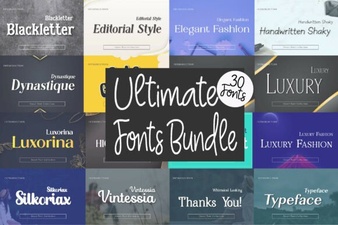 Unlock Your Designs with a Complete Font Library
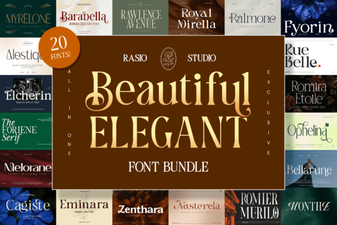 Beautiful Elegant Fonts for Creative Design Projects
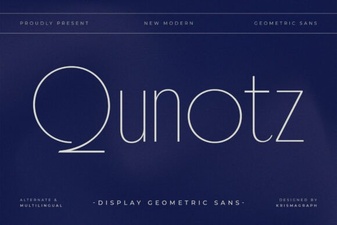 Qunotz Font: Modern Design for Creative Projects
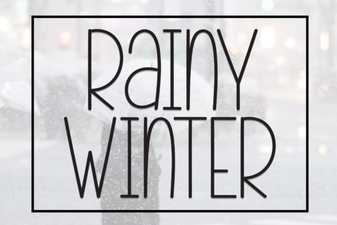 Rainy Winter Font Designs for Creative Projects
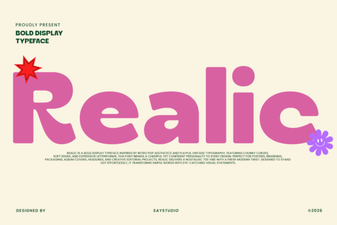 Realic Font: Design Tips & Creative Project Ideas
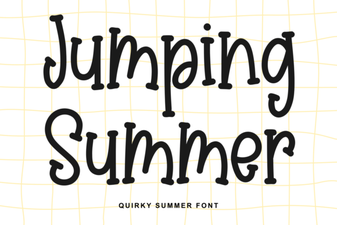 Summer Font Designs: Creative Typography for Jumping Into Projects