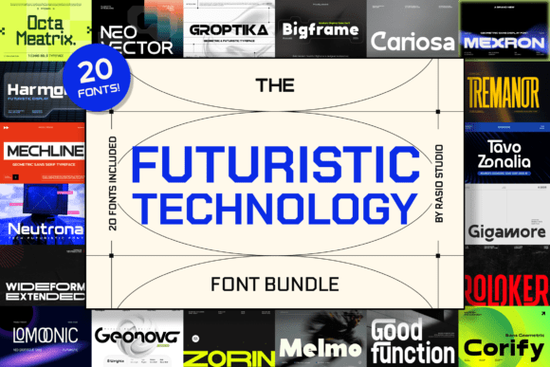
If you’ve ever needed a font that feels like it belongs in a sci-fi movie, a tech startup pitch deck, or a sleek product label for something that doesn’t even exist yet, the Futuristic Technology Bundle Font might be exactly what you’re looking for. Created by Rasio Studio, this collection brings together 20 modern techno typefaces that blend sharp geometry with digital-inspired forms ideal for anyone who wants their visuals to feel forward-thinking without being overwhelming.
Whether you're designing merch for a cyberpunk-themed Etsy shop, building a brand identity for a new app, or just experimenting with bold typography for personal projects, this bundle gives you plenty of room to explore. The fonts are clean but distinctive, with enough variety to suit everything from minimalist UI mockups to high-energy posters.
What kinds of projects work best with these fonts?
These typefaces shine in contexts where innovation and precision matter. Think:
- Tech startup logos and landing pages
- Science fiction book covers or game UI elements
- Futuristic apparel designs (hoodies, tees, phone cases)
- Digital ads for gadgets, software, or AI tools
- Event branding for conferences focused on emerging tech
Because the bundle includes both display and functional sans-serif styles, you can pair them within the same project for example, using one font for headlines and another for body text without losing visual cohesion.
How does it compare to other modern sans-serifs?
Not all futuristic fonts are created equal. Some lean too heavily into gimmicks (like excessive circuit patterns or unreadable letterforms), while others play it so safe they end up feeling generic. The Futuristic Technology Bundle strikes a balance: each font maintains legibility while still delivering a strong aesthetic point of view.
If you’ve liked the clean lines of Katur Coffee or the friendly minimalism of Nugget, you’ll appreciate how this bundle pushes further into experimental territory but stays grounded enough for real-world use. Similarly, fans of Qunotz or Rain Jungle may find this collection a natural next step when they need something more dynamic and tech-forward.
Are these fonts easy to use for beginners?
Yes. All fonts in the bundle come in standard formats (OTF and TTF), so they install and work like any regular desktop font. You can use them in Canva, Adobe Creative Suite, Affinity apps, Silhouette Studio, Cricut Design Space, and most other design platforms. No special plugins or coding knowledge required.
Each font also includes basic OpenType features like alternate characters and ligatures where applicable, which means you can add subtle stylistic touches without switching fonts. For print-on-demand sellers, that flexibility is especially useful you can create multiple product variations using just one typeface.
Where can I see these fonts in action?
Rasio Studio includes preview images with common use cases, but if you want to test them yourself before committing, Creative Fabrica offers a handy live preview tool. Just type your sample text and toggle between fonts to see how they perform at different sizes and weights.
For reference, you can also browse similar styles like Futuristic Technology Bundle Font directly on the marketplace to compare licensing options and user reviews.
Is the license suitable for commercial work?
Absolutely. The standard Creative Fabrica license covers commercial use, including merchandise sales (like t-shirts, mugs, or stickers) and digital products (like templates or social media graphics). That makes it a practical choice for small businesses and side hustlers who need reliable, ready-to-use assets without legal guesswork.
Just keep in mind that you can’t redistribute the font files themselves or use them in logo templates you plan to resell as editable files standard rules that apply to most commercial font licenses.
Before you download:
- Check your project’s readability needs some fonts in the bundle are better for headlines than body text.
- Review the included file list to confirm you’re getting both uppercase and lowercase glyphs if you need them.
- Pair with neutral colors (grays, deep blues, electric purples) to let the typography stand out.
- Consider combining with geometric icons or grid-based layouts to enhance the tech vibe.
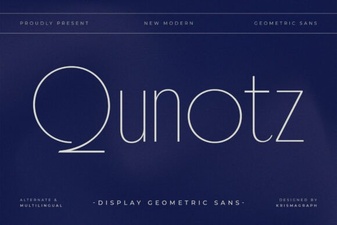 Qunotz Font: Modern Design for Creative Projects
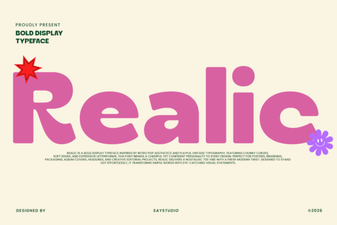 Realic Font: Design Tips & Creative Project Ideas
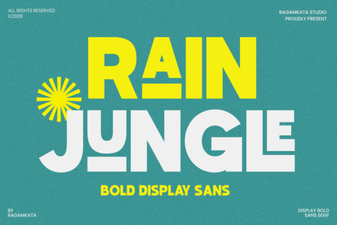 Rain Jungle Font: Design for Nature Projects
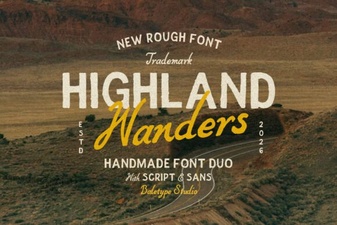 Highland Wanders Font: Design & Usage Ideas
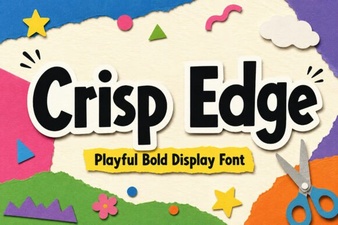 Designing with Crisp Edge Fonts for Clean User Interfaces
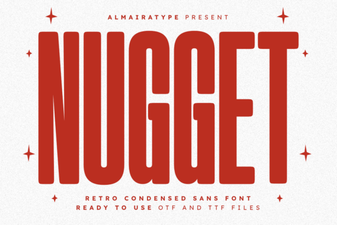 Nugget Font: a Bold Choice for Creative Projects